Images are a crucial part of every website. They help make content more engaging, improve visual presentation, and keep visitors interested. However, large image files can slow down websites, which affects user experience and search engine rankings.
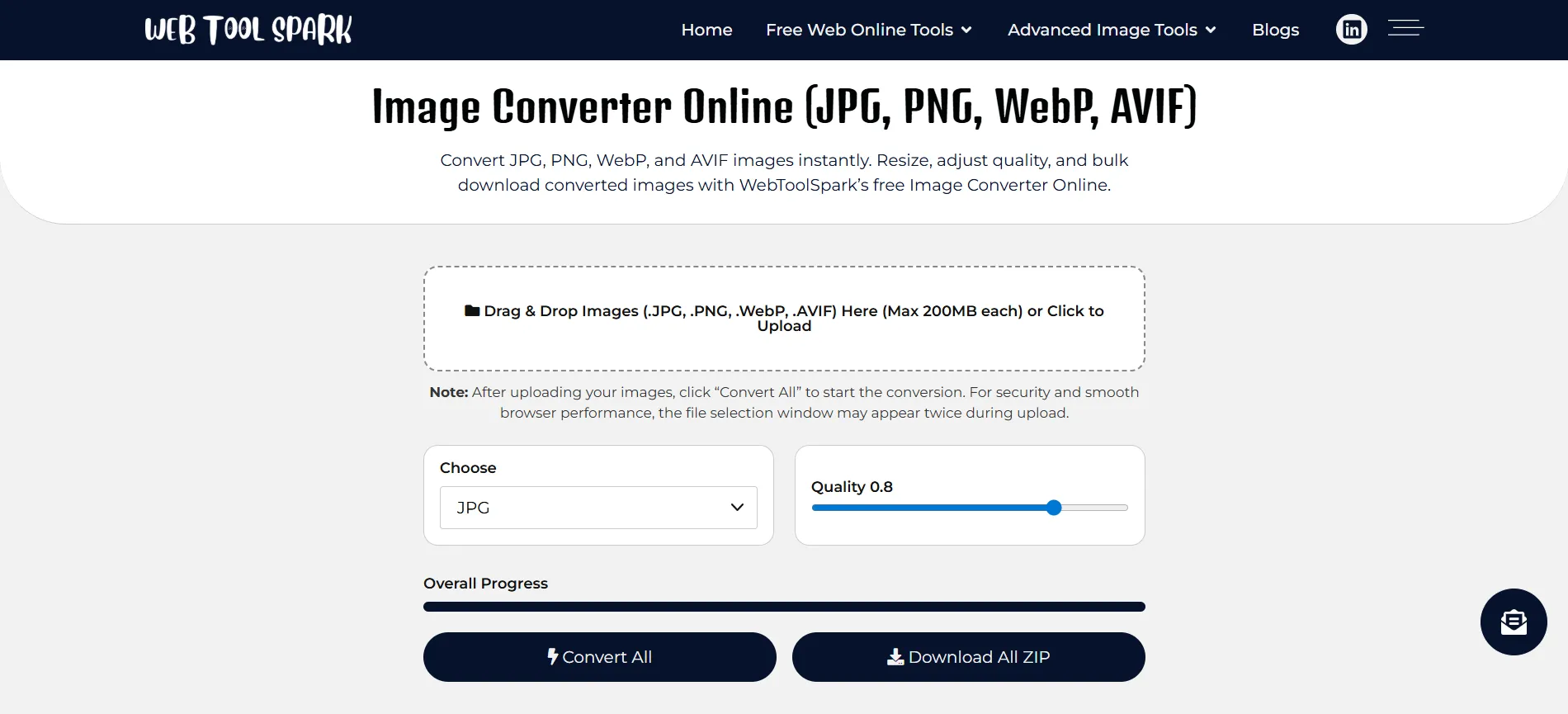
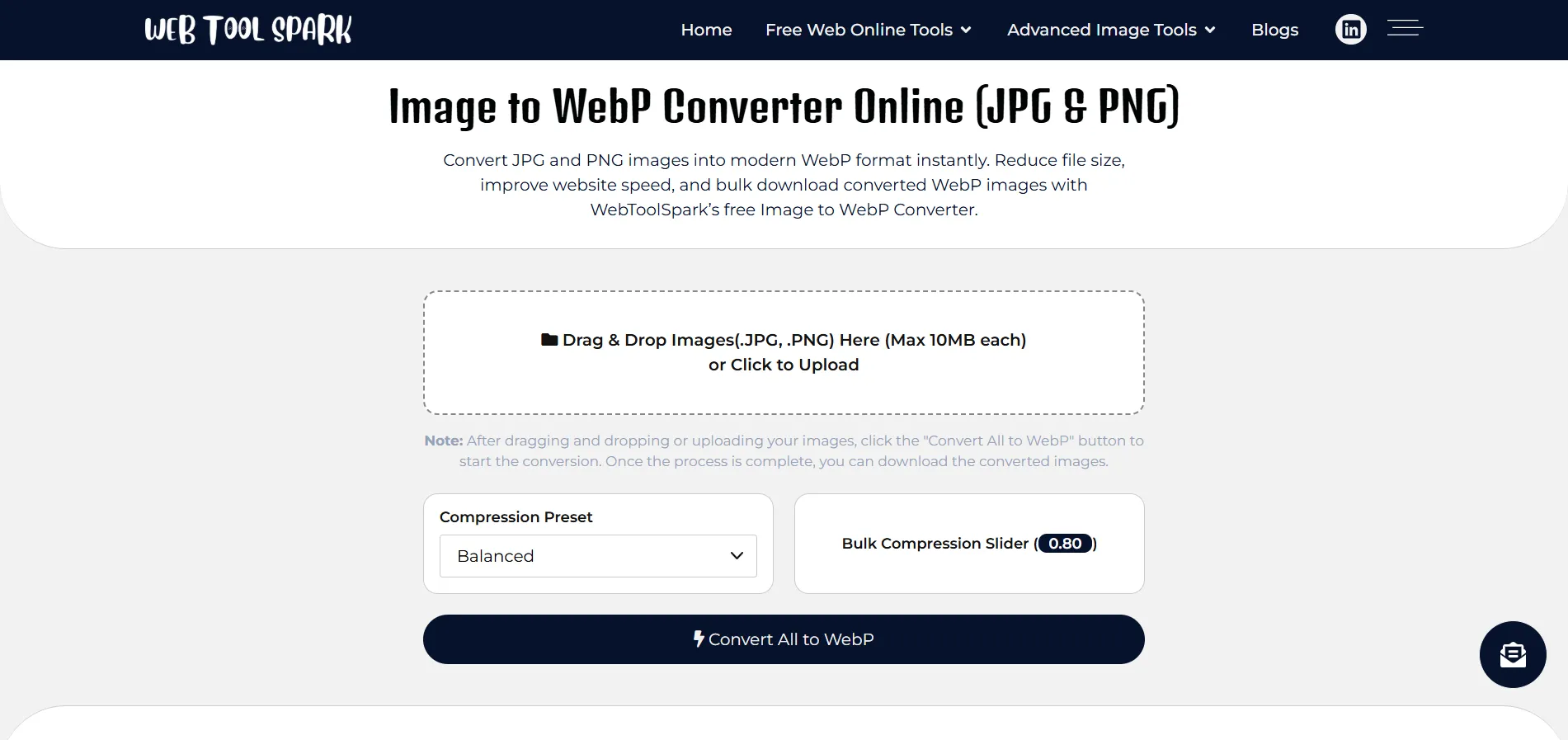
Two useful tools that help with this process are Image Converter Online and Image to WebP Converter.
Why Image Conversion Is Important
Many people upload images directly to their websites without optimizing them. Large images increase page size and slow down loading time.
When images are properly converted and optimized, websites get several advantages:
- Faster page loading speed
Better user experience
Lower bandwidth usage
Improved SEO performance
Better mobile performance
Because of these benefits, converting images before uploading them to a website is a good practice.
Convert Images Easily with an Online Image Converter
If you need to change image formats quickly, using an online converter is the easiest solution.
With an Image Converter Online tool, you can convert images between multiple formats such as:
- JPG
- PNG
- WebP
- AVIF
The process is simple. Upload your image, choose the desired format, and download the converted file within seconds.
Online converters work directly in your browser, which means you do not need to install any additional software.
Why WebP Format Is Better for Websites
The WebP format is becoming very popular because it offers better compression compared to traditional image formats.
WebP images are usually smaller in size but maintain good visual quality. This helps websites load faster and improves overall performance.
Using an Image to WebP Converter allows you to convert existing JPG or PNG images into WebP format easily.
Advantages of WebP Images
- Smaller file sizes
- Faster loading websites
- Better mobile performance
- Improved SEO potential
Because of these benefits, many modern websites now prefer WebP images.
How to Convert Images Online
Converting images online is very simple and requires only a few steps.
- Open an online image converter tool.
Upload the image you want to convert.
Choose the output format (JPG, PNG, or WebP).
Start the conversion process.
Download the optimized image.
Tips for Better Image Optimization
If you want your website to load faster and perform better, follow these image optimization tips:
Use Modern Formats
Whenever possible, use WebP images because they provide better compression.
Resize Images Before Uploading
Avoid uploading very large images when smaller dimensions are sufficient.
Compress Images
Compression reduces file size without significantly affecting image quality.
Add ALT Text
ALT text helps search engines understand your images and improves accessibility.
Frequently Asked Questions
What is the best image format for websites?
WebP is considered one of the best formats because it provides high-quality images with smaller file sizes.
Can I convert multiple images at once?
Yes, many online image converters allow batch uploads so multiple images can be converted at the same time.
Does converting images reduce quality?
Most modern converters maintain high image quality while reducing file size.
Why should I convert images to WebP?
WebP images load faster and use less bandwidth, which improves website performance.
Images are essential for creating attractive websites, but large image files can slow down performance. Converting and optimizing images before uploading them is an important step for improving page speed and user experience.
Using online tools like Image Converter Online and Image to WebP Converter makes it easy to convert images quickly and efficiently.
By optimizing your images, you can improve website performance, enhance user experience, and support better search engine rankings.